One queue, the whole team
Calls and texts your whole team can answer.
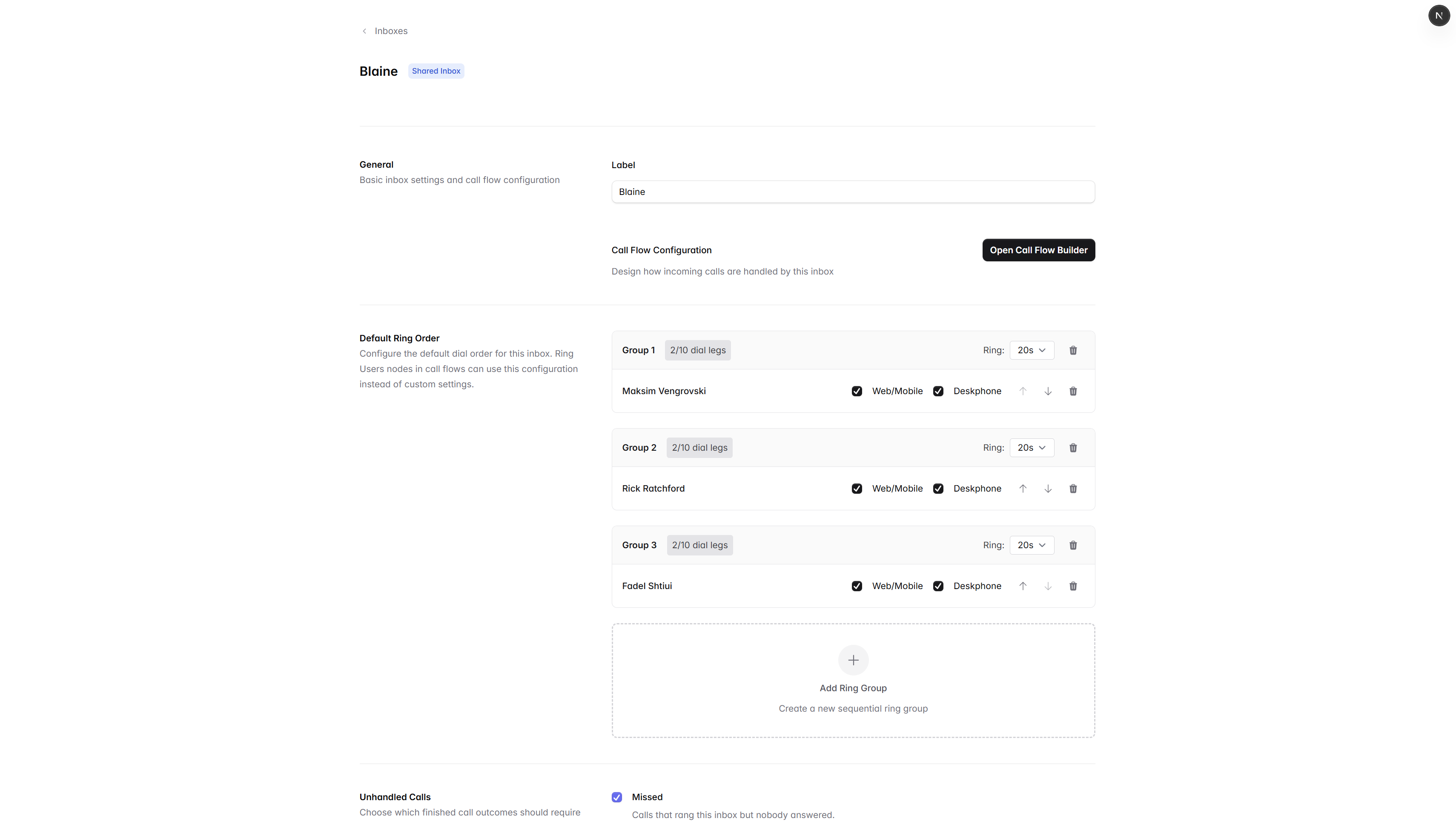
Shared inboxes route conversations to a group of teammates, with assignment, status, and replies that anyone on the line can see.
Inbox features
Built for teams that share the phone.
Assignments
Claim a conversation, hand it off, or let the next available teammate jump in.
Statuses
Open, snoozed, and resolved threads that follow the work, not the channel.
Internal notes
Mention a teammate, leave context, and avoid asking the customer to repeat themselves.
Auto-replies
Acknowledge texts after hours or when no one is available, with the right tone.
Templates
Save snippets your team uses every week and send them in two keystrokes.
Contact context
See past calls, threads, and notes for whoever you are talking to without switching apps.
How it works
A clean handoff, every time.
- Step 01
Create the inbox
Name it, add a number, invite the teammates who should answer.
- Step 02
Set the routing
Ring everyone, ring in order, or send to a menu first.
- Step 03
Talk and text together
Anyone in the inbox can pick up. Replies stay in the same thread.
- Step 04
Close the loop
Resolve when done. The next person sees the full history.