A photo can save
a lot of explaining.
Let customers show you what they need. Send photos and useful details back, with the conversation there when you need it.
Your customer shouldn’t
have to start over.
Teammates in a shared inbox can read the conversation and reply from the same business number. Personal signatures let customers know who’s helping.
You’ve answered that before.
Save yourself the typing.
Save common replies as snippets your team can use. Pick one, make any changes, and send it when you’re ready.
Waveline’s snippet picker shows Parking directions, What to bring, and Opening hours.
Evan Brooks asks where to park. The saved reply is inserted, unsent: Park behind the shop, off Pine Street. Sender names and timestamps remain visible.
IVR phone menu
Your phone menu can send a text.
Give callers a phone-menu option that texts them what they need, like directions or a link to book. It’s sent automatically, so they don’t have to write anything down and your team doesn’t have to pick up.
Simulated call to a business
using Waveline.
Get help with the reply.
Keep the final say.
Ask a connected AI assistant to prepare a reply in Waveline. Review it, change it, and decide when to send.

Get your number ready to text.
Before sending customer texts, register your business and explain how customers agree to receive your messages. Waveline guides you through the required information.
Add your business details.
Provide your business name, address, and contact information so your business can be verified.
Describe the messages you’ll send.
Share sample texts and explain how customers agree to receive messages from you.
Submit for review.
Submit your registration, follow its progress, and see if anything needs your attention. Approval is required before sending customer texts.
Approval is required before outbound texting starts. Registration charges may apply.
See what you’ll needEverything you need to start texting.
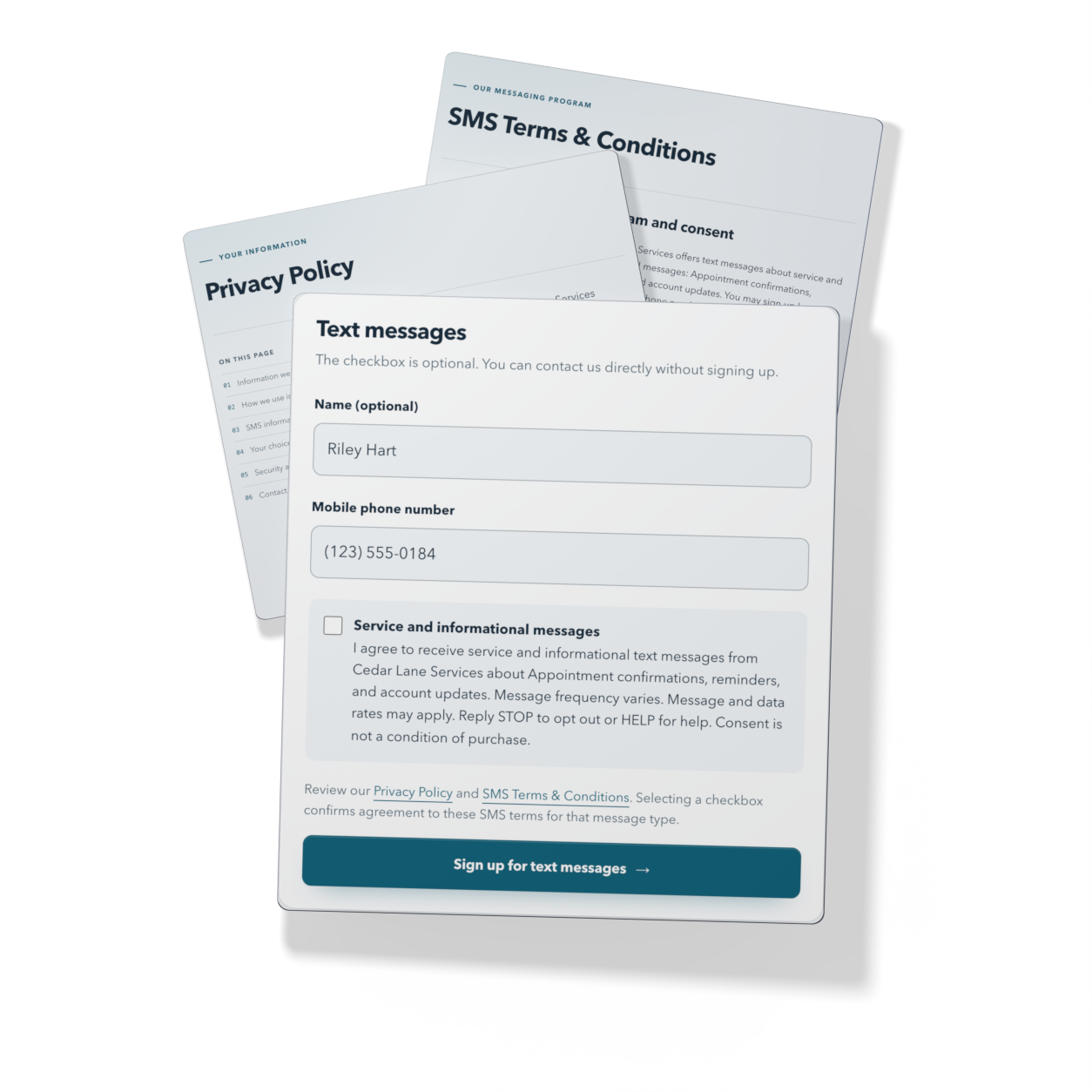
Help your customers sign up for texts and how you’ll handle their information. Waveline helps you create your sign-up page and the policies that go with it, so you don’t have to start from scratch.
See how it works