A familiar phone for the front desk.
Answer business calls on a supported desk phone. Give the counter, reception desk, or office a phone that’s ready when customers call.
Apps & desk phones
Use your business number on your phone, in your browser, or on a supported desk phone. Choose what works for you—and let each teammate do the same.
Answer business calls on a supported desk phone. Give the counter, reception desk, or office a phone that’s ready when customers call.
Call and text from your browser, with customer details close at hand.
Take business calls, reply to messages, and check voicemail from the Waveline mobile app.
Direct to Cell
When cell service works better than Wi-Fi or mobile data, take Waveline calls through your phone’s regular calling screen. Keep using your business number without sharing your personal number.
Set up Direct to Cell in the Waveline mobile app and verify your cell number. The business line you use must have an active Waveline number, and your phone needs cellular service. Your carrier’s usual minutes and charges may apply.
Set up Direct to CellDownload the mobile app or open Waveline in your browser.
Sign in with the same account.
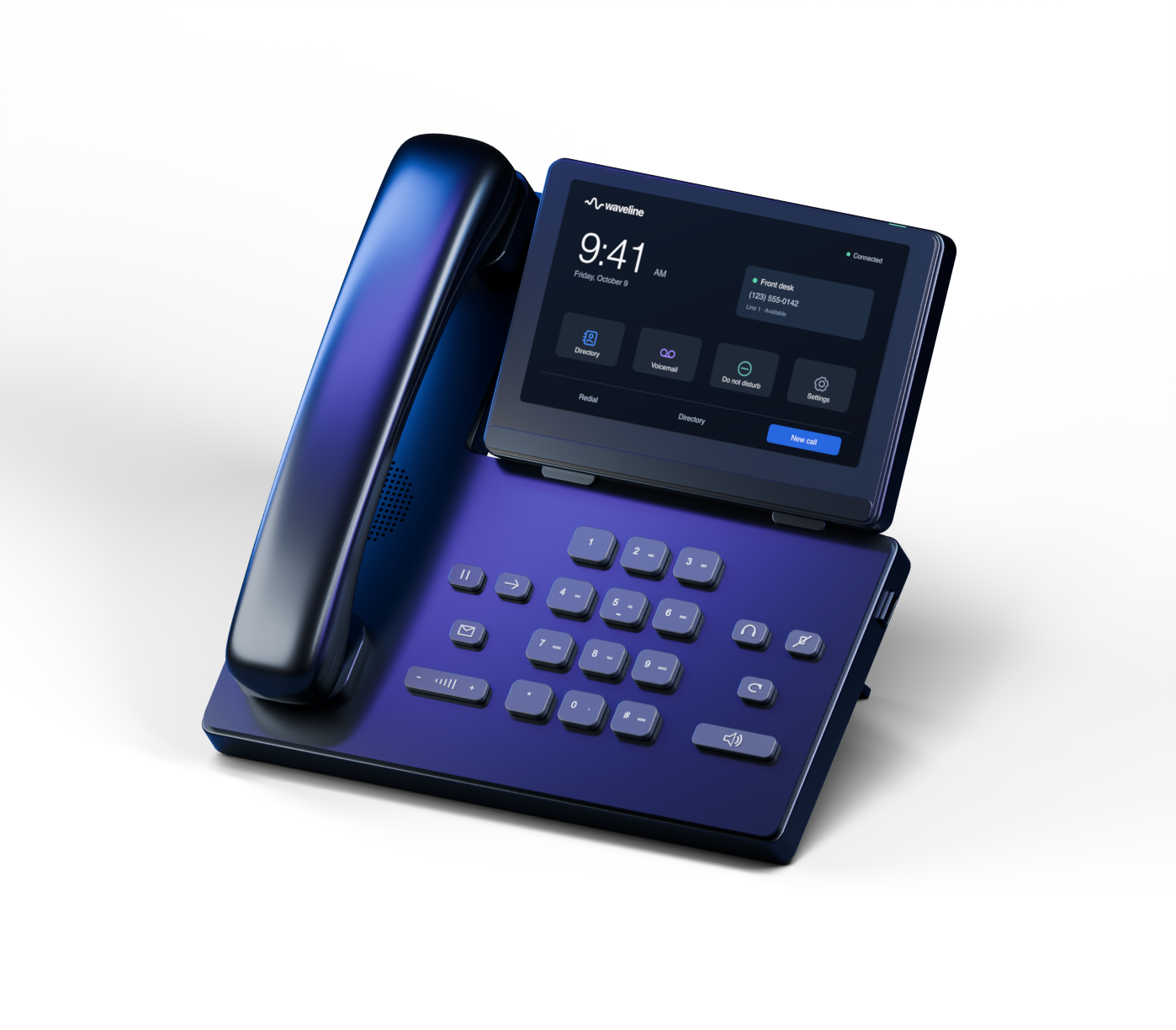
Your current phones may be able to come with you. Waveline supports automatic setup for compatible Yealink models.
Check supported phones