How it looks
A work phone, without a second device.
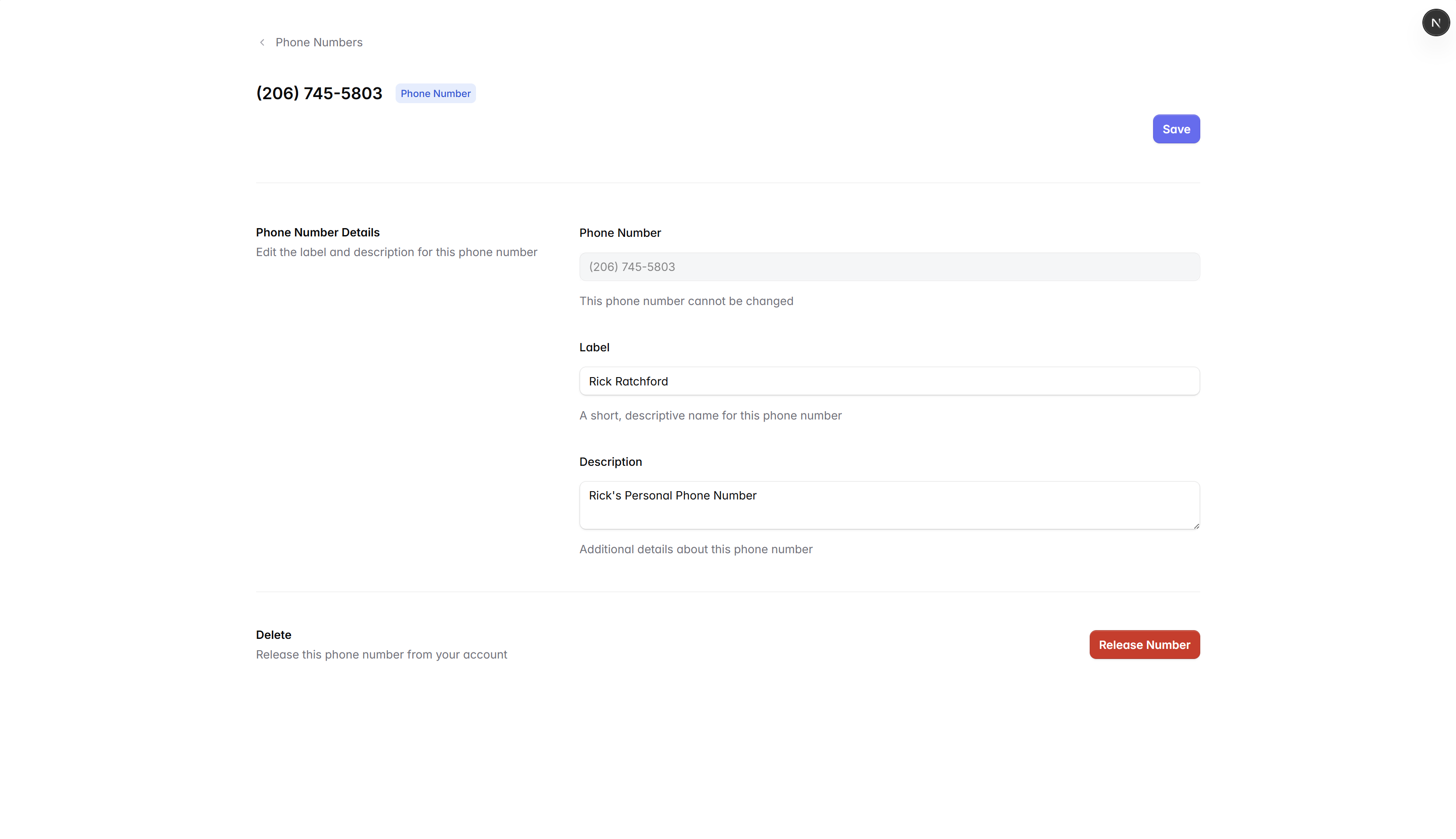
Each team member gets a real US business number that rings on the devices they already use, with caller ID, voicemail, and a separate inbox from anything personal.
Built in
Everything a phone line should have.
Every personal number ships with the basics handled, so people can start calling and texting on day one.
Calls and texts in one inbox
A single timeline per number so missed calls, voicemails, and texts live next to each other.
Voicemail with transcripts
Personal greetings, voicemail-to-text, and a quick way to call back without leaving Waveline.
Business hours and forwarding
Send calls to voicemail, forward to a teammate, or hand off to a shared inbox after hours.
Mobile, desktop, and SIP
Use the apps your team prefers without losing call history, contacts, or notes between them.
Spam and unknown caller filters
Quietly screen junk and surface the calls that are actually worth answering.
Recording and notes
Capture details from a call and link them back to the contact, with notes that the rest of the team can read.
Get set up
From signed up to first call in minutes.
- Step 01
Pick a number
Choose a local or toll-free number, or port one your team already uses.
- Step 02
Assign it to a person
Send an invite. They sign in, claim the number, and pick devices.
- Step 03
Set hours and voicemail
Personal greeting, business hours, and the fallback for off-hours calls.
- Step 04
Start calling
Make the first outbound call from the web, mobile, or desk phone.